

How Curation Works
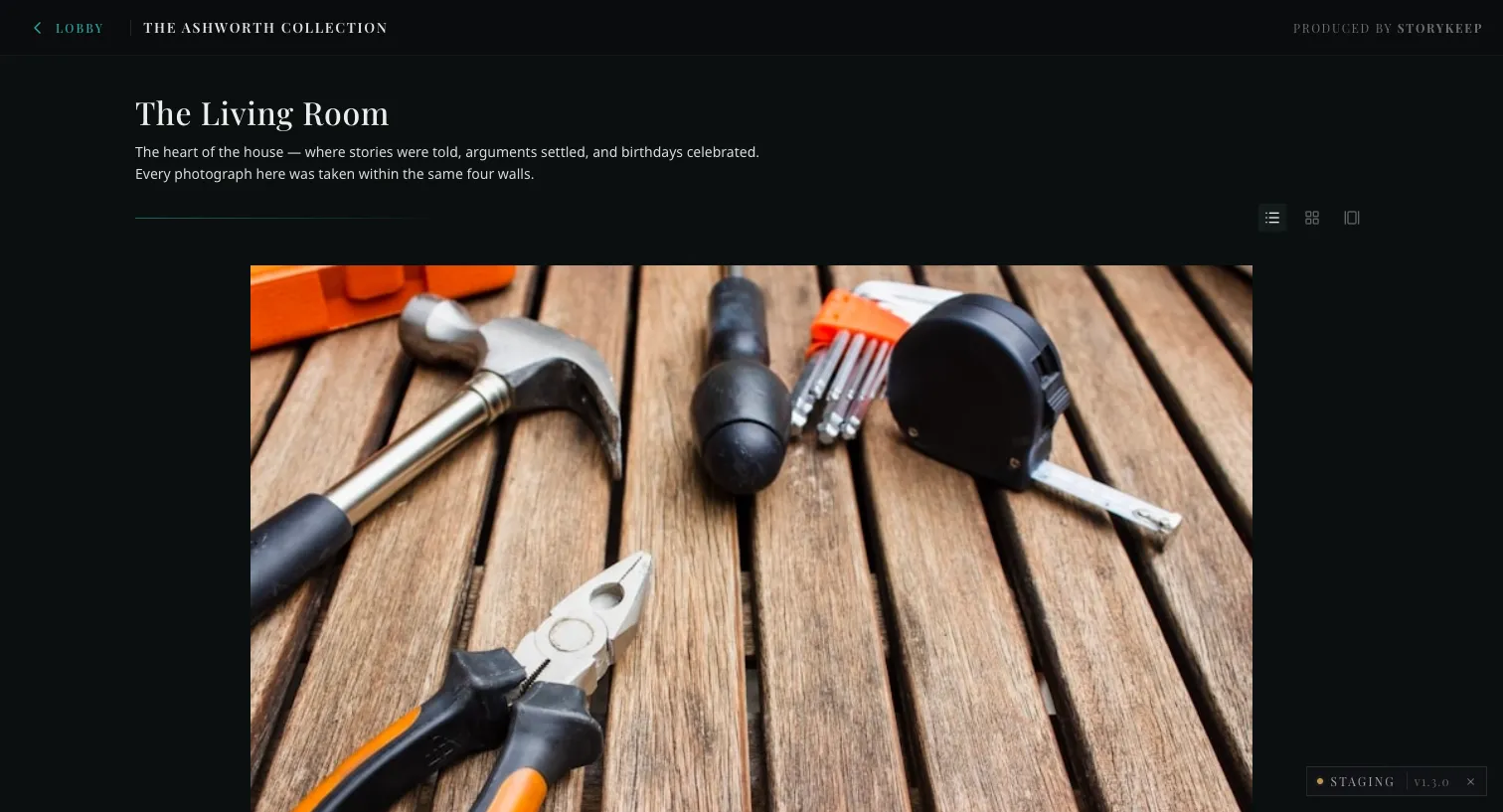
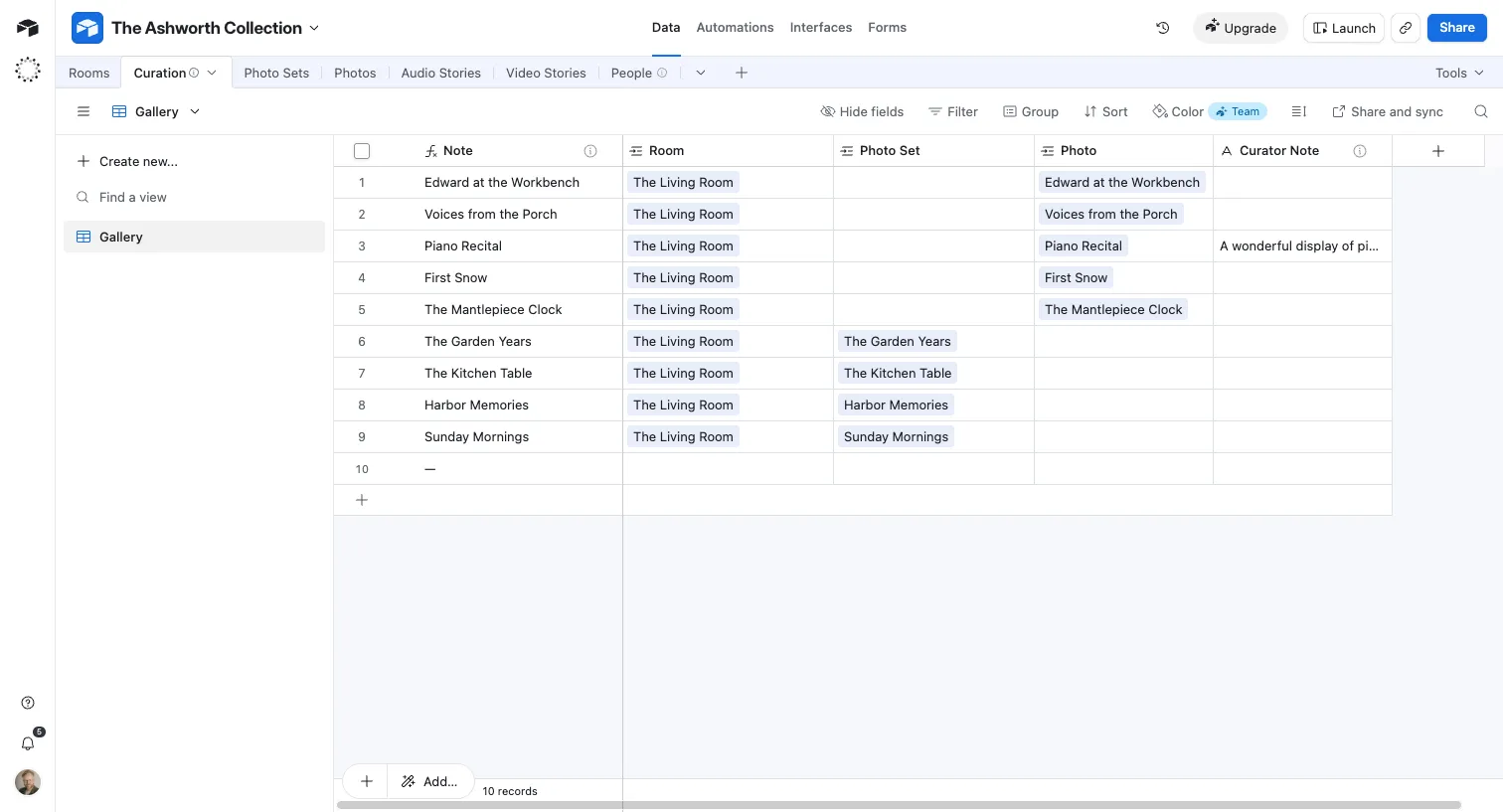
You curate the museum from Airtable. You don’t build pages or write code, and nothing is ever generated for you. You choose what is shown, in what order, and with what few words of framing — and the museum reflects those choices. This page is the mental model behind that: what’s yours to shape, what the system handles, and the one thing that surprises every new curator — when a change appears.
Curated, not collected
Section titled “Curated, not collected”StoryKeep is not a photo dump with a search box. A museum is what a person chose to hang on the wall, in what order, with the one sentence that makes you stop. That choosing is the whole product, and it is yours.
So the system will never do the choosing for you. It does not auto-arrange rooms, auto-write captions, auto-title a set, or call any AI to fill a blank. A field you leave empty stays empty — there is no placeholder, no “no note available,” no filler. An empty note simply means this placement didn’t need one, and the museum renders it cleanly with nothing there.
What’s yours, and what the museum handles
Section titled “What’s yours, and what the museum handles”| You shape | The museum handles on its own |
|---|---|
| Which photos and sets appear, and in which room | Assembling the room, layout, and typography |
| The order of a room | Responsive sizing, the wall view, the lightbox |
| A short curator note where a placement earns one | Surfacing dates and the photographer automatically |
| Approving or holding visitor submissions | Emailing the submitter once you approve |
| A room’s visibility (shown / under construction) | Copying photos to permanent storage, refreshing the live site |
You never touch code, never publish by hand, and never delete a family’s originals — everything is kept, always. Moving your work onto the live museum is its own deliberate step, with a review in the middle: see Going Live. If something needs building (a new kind of room, a new field), that’s an engineering change, not a curator action; flag it and it gets scheduled.
When your changes appear — the one rule to internalise
Section titled “When your changes appear — the one rule to internalise”This is the part that trips everyone up on day one, so it’s worth being exact.
You, as a curator, see your edits right away. Your curator view reads Airtable live — the moment you save a note or reorder a room, that’s what you see. There’s no waiting on your side.
Visitors see your edits after the next scheduled refresh. The live museum doesn’t read Airtable on every visit — that would be slow and fragile, and it would put the family’s page at the mercy of a spreadsheet. Instead, the museum serves from a settled copy that refreshes on a schedule. So a change you make now becomes visible to visitors after the next refresh, not instantly.
-
In your training sandbox, the refresh is near-immediate — your curator view reads Airtable directly, so you’ll see changes almost as soon as you’ve made them. That’s by design, so training has a tight feedback loop.
-
On a live family museum, the refresh is batched — it runs on a schedule, about once a day. Plan for a delay between an edit and a visitor seeing it. If something genuinely can’t wait, say so and we can push a refresh out of cycle.
Visitor submissions — the approval loop
Section titled “Visitor submissions — the approval loop”Families can invite relatives to send in photos. Those don’t appear on the wall on their own — they wait for you.
-
A submission arrives in Airtable marked as pending (moderation status).
-
You review it: set its
Moderation Statustoapprovedfor the ones that belong, orrejectedfor the rest. (Submissions arrive asSource = visitor-submission.) -
On the next refresh, an approved photo joins its room, and the person who sent it gets a short thank-you email — automatically, once, the moment it’s approved.
Nothing a visitor sends is ever lost, and nothing they send appears until you’ve chosen it. You are the gate.
Two words to avoid, and one rule that outranks taste
Section titled “Two words to avoid, and one rule that outranks taste”Whatever you write into the museum — notes, room names, titles — follows the house voice:
- Never “archive.” These are living family museums, not archives. The word makes them sound closed and dead.
- Never “video.” Use the language of the piece itself (a film, a screening, a story), not the file format.
- Legibility outranks everything. Either a visitor can comfortably read it, or it shouldn’t be there. This isn’t a preference to weigh against a nicer font or a tighter layout — it’s the line. Elders are the audience; if they can’t read it, it’s not working.
Where to go next
Section titled “Where to go next”- Airtable Curator Fields — the exact fields you write into, and what the museum does with each.
- Managing Access — inviting family members and curators.
- Setting Up a Room — configuring a room in Airtable from scratch.