

Managing Access — A Curator's Guide
This is the curator-facing walkthrough of the access flow — the version to share when handing the door keys to a family’s curator.
1. Someone asks to visit
Section titled “1. Someone asks to visit”Family members request access themselves, at the museum’s request page — no account, no password, nothing to install:
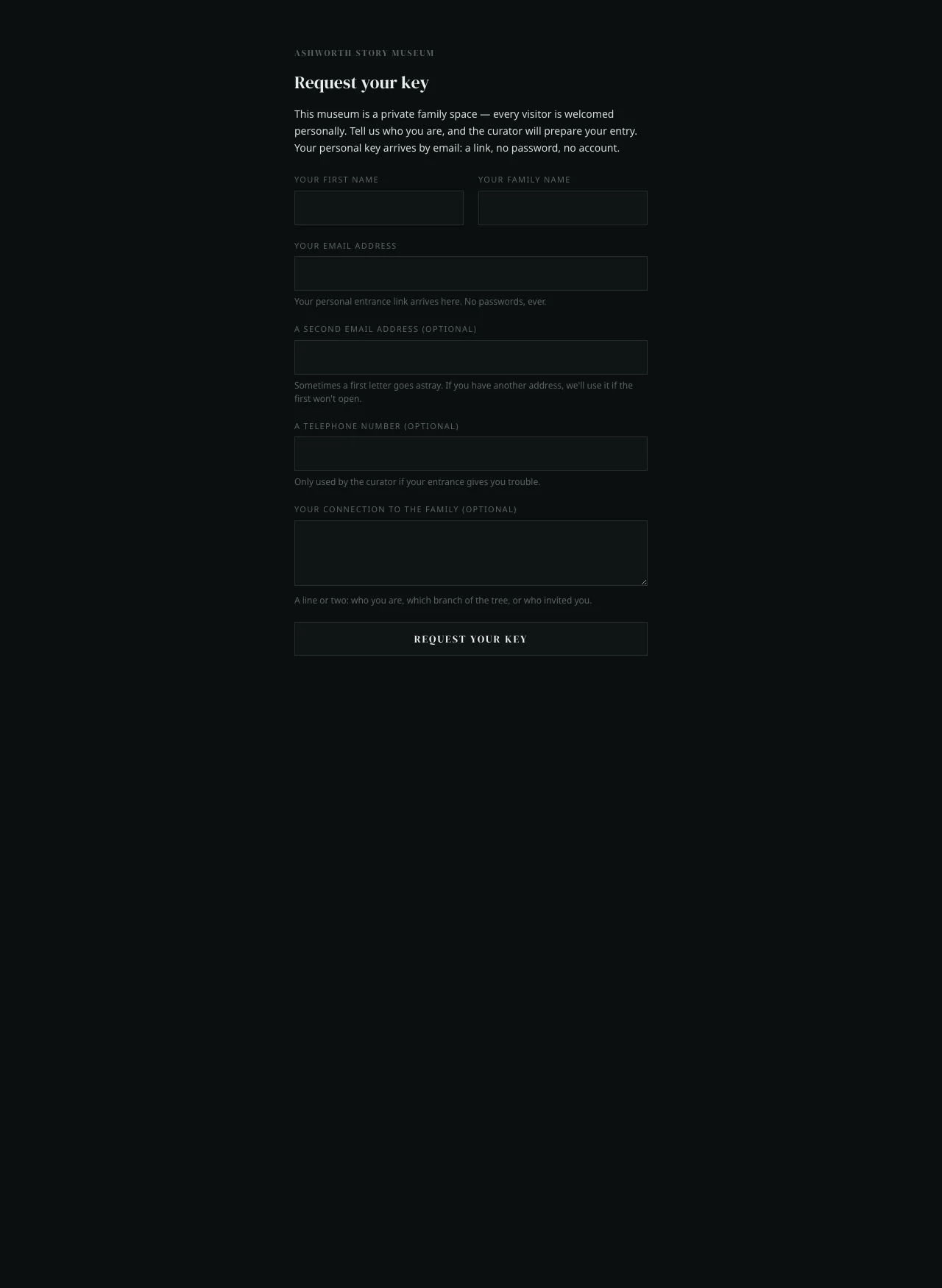
They tell the museum who they are and where their key should arrive. That’s all they ever have to do.
The address to share
Section titled “The address to share”Every museum has its own request page, at /apply:
https://storykeep.museum/museums/<your-museum>/applyFor the Ashworth demo, that is storykeep.museum/museums/ashworth/apply.
Send that link to anyone who should be able to ask — put it in a family mail, read it out at a gathering, print it on a card. It is safe to share widely: the page only lets someone ask, never enter, and it is kept out of search engines. Nobody reaches the museum itself until a curator has welcomed them.
2. You get a mail
Section titled “2. You get a mail”Within fifteen minutes, the curator receives the notification:
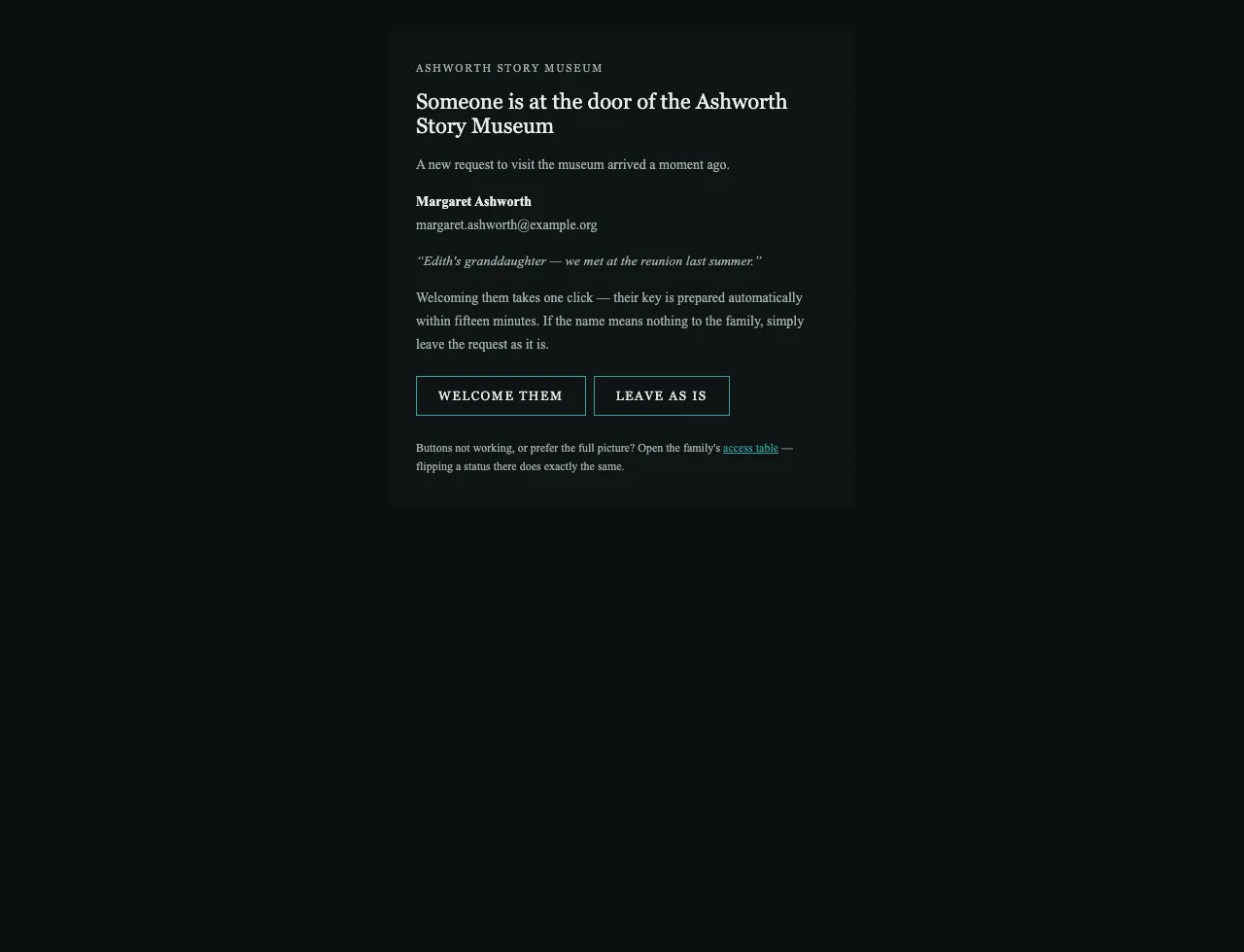
The applicant’s own words — their connection to the family — are right there. When in doubt, the family’s representative decides; the mail never pressures anyone.
3. Welcoming them
Section titled “3. Welcoming them”Click Welcome them. A confirmation page opens in the museum’s own style, naming the applicant — nothing happens until you confirm:
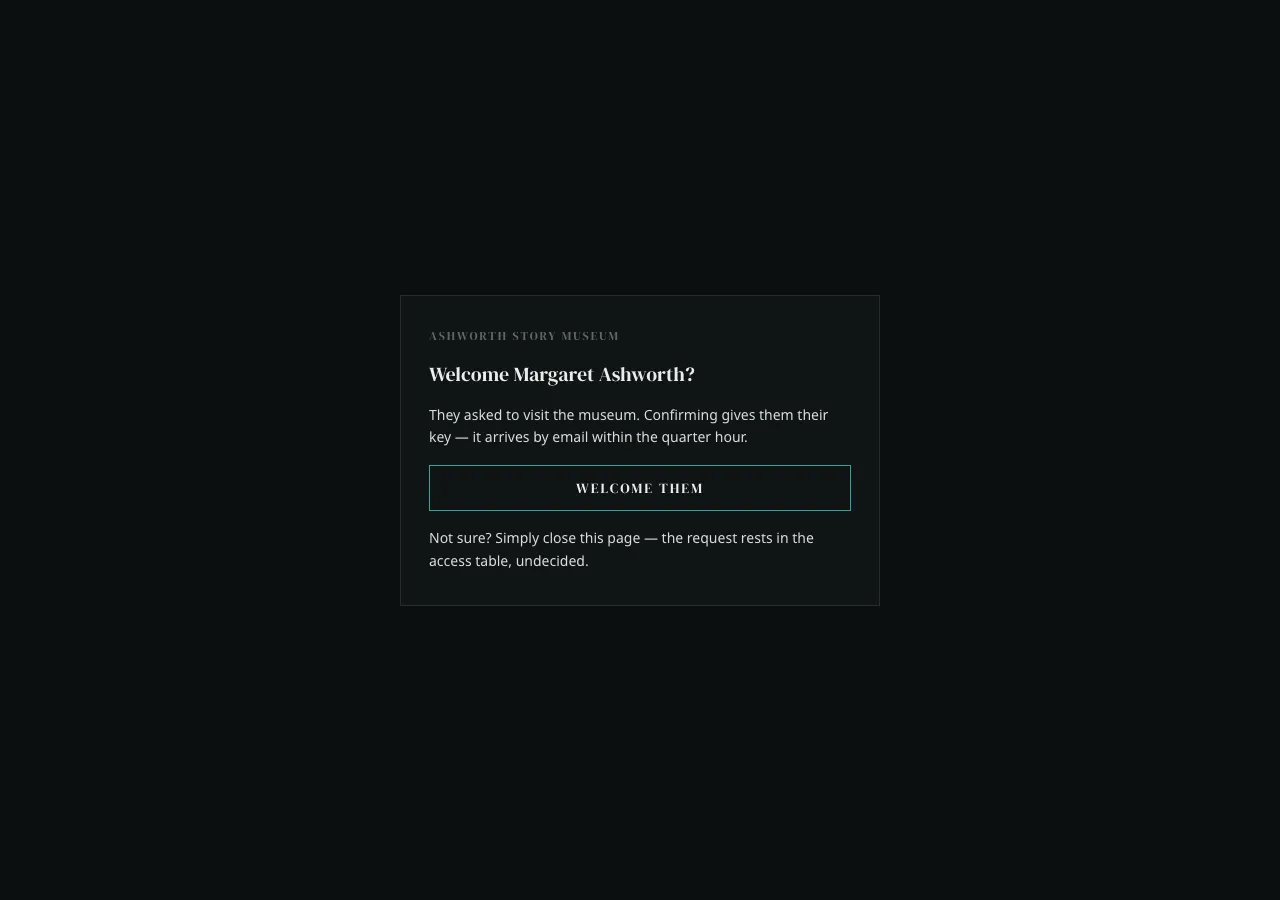
One more click, and it’s done:
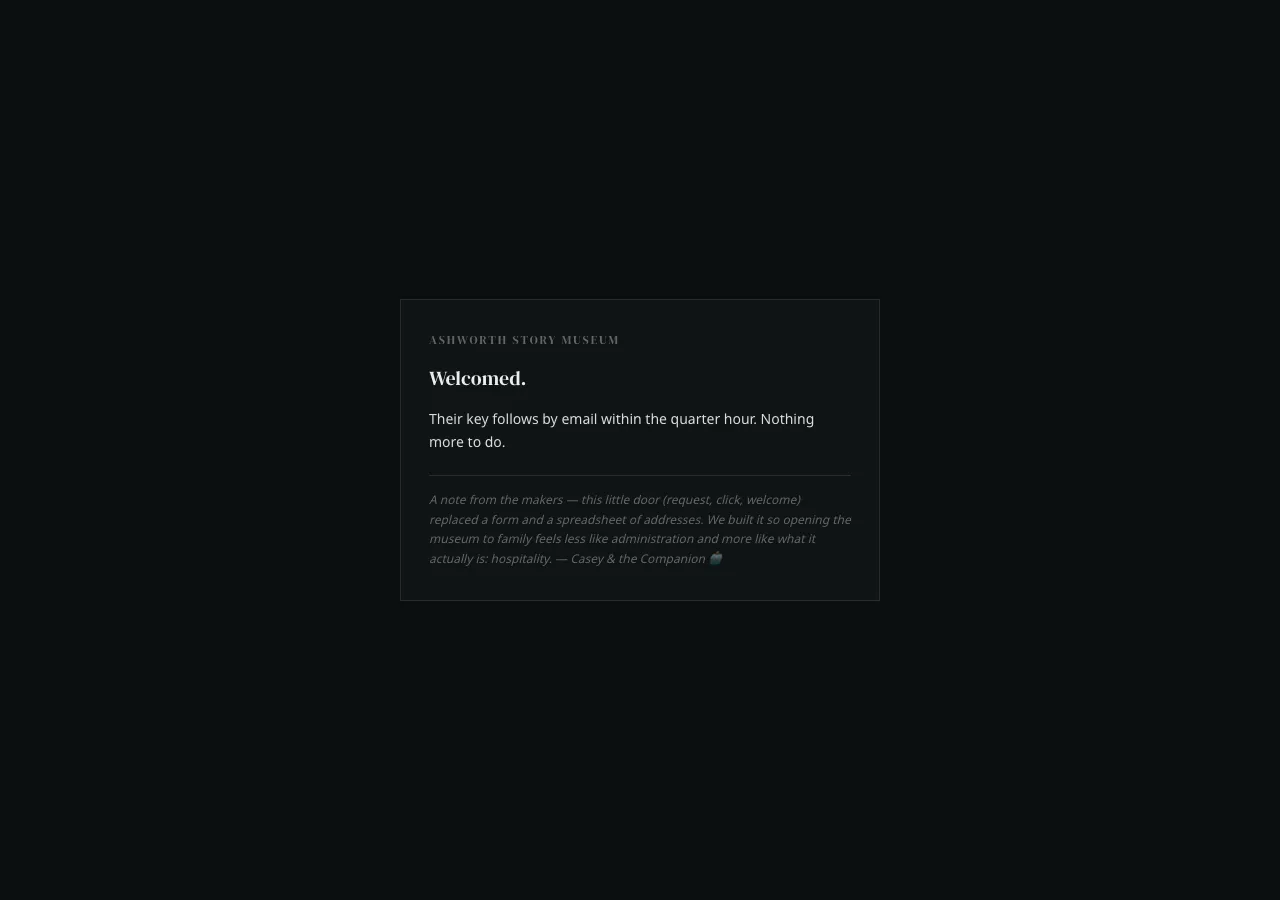
The new visitor receives their key by email — a sign-in link, no password — along with a short explanation of how the door works. You receive a confirmation that everything went through.
4. Or… leave it as is
Section titled “4. Or… leave it as is”Not sure about a request? Click Leave as is (or simply do nothing):
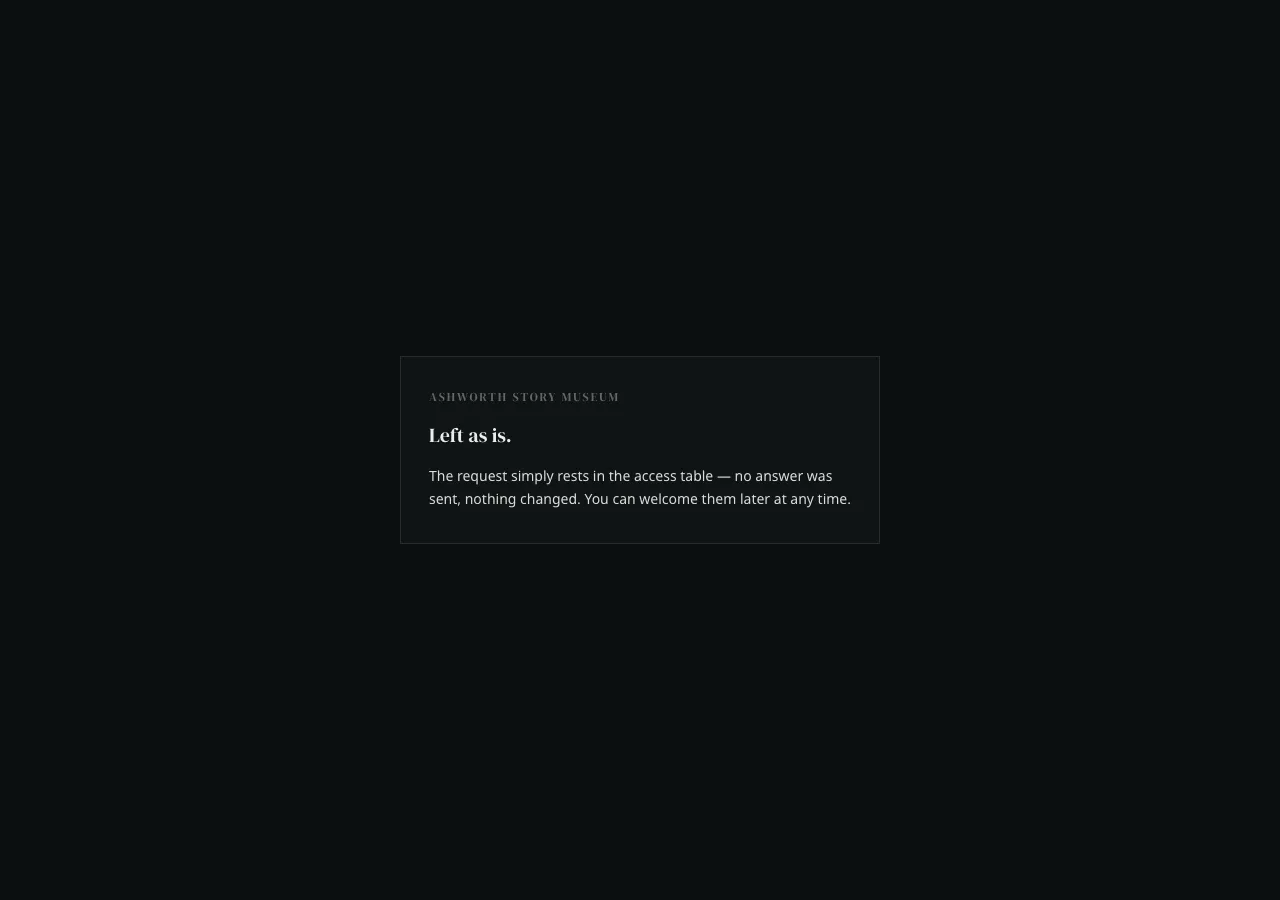
No rejection is sent. The request just waits, and you can welcome them any time later. This is deliberate: nobody should be forced to formally turn away a relative.
5. Removing access later
Section titled “5. Removing access later”Every notification mail links to the family’s access table. Find the person’s row and set their status to disabled — their access ends within fifteen minutes. Their row (and the family’s history) stays.
The access table is also the always-works fallback: anything the mail buttons do, changing a status there does too.
Timing
Section titled “Timing”Everything in this flow settles within fifteen minutes — welcomes, removals, key deliveries. That’s by design: the museum is a calm place, and so is its machinery.